Hesya

Choose where your attention goes.

Reclaim your attention when it drifts — no locked apps, no daily streaks to keep.

Declare your intent

Finish the proposal draft

Still with you

Finish the proposal draft

Keep goingStep away brieflyNot now
Hesya Today screen, ready when you are
TodayFinish the proposal draft
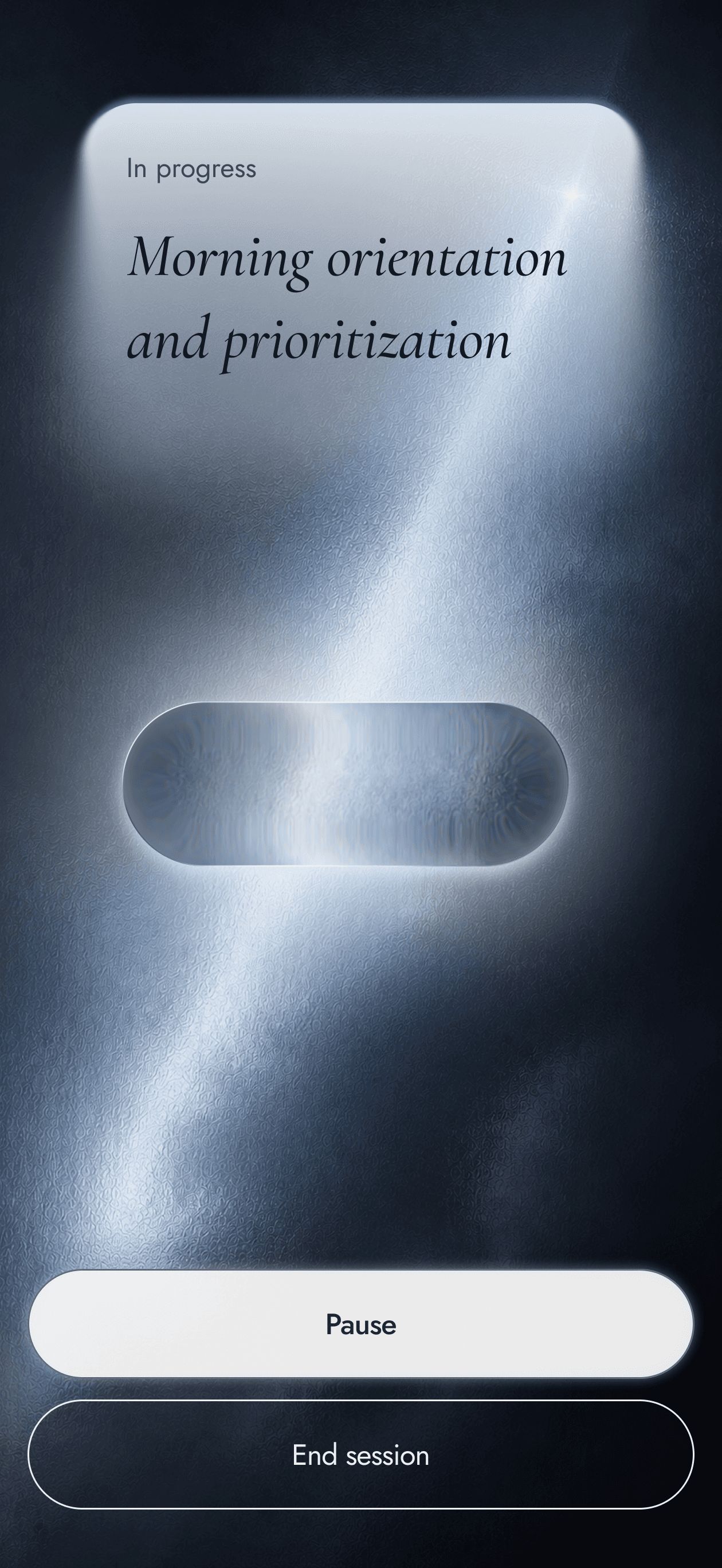
Session2 min · in progress
No sessionready when you are

How did that go?

FocusedMixedOff
Today

Finish the proposal draft

Drift is not a failing.

I opened my phone to scroll and lost an hour I didn't have.

Free, private, no accounts. A way back — not another thing to manage.

The shape of a session

Declare

Begin by naming one thing

Before a session starts, you write what you mean to have done — in your own words, kept exactly as you typed them. One intention, not a task list. Nothing to set up.

  • Your words, never rewritten
  • One intention at a time
  • Start in three taps or fewer
  • Nothing pre-filled for you
Declaring an intention in Hesya
Return

When you drift, one quiet cue

If your attention slips elsewhere mid-session, your phone buzzes once and shows you the words you chose. Then it leaves the choosing to you: keep going, step away briefly, or not now. Hesya never blocks an app.

  • The cue quotes your own intention
  • Three ways to answer, all equal
  • Shows your words, then steps back
  • Never blocks, never scolds
Hesya return cue offering keep going, step away, or not now
Reflect

At the end, a moment to notice

When the session closes, you draw a finger across still water until it matches how the time settled — calm, stirred, or disturbed. Or you skip it; both are equal. Nothing is scored, and nothing you write leaves your phone.

  • One question: how did that go?
  • Skip is always an equal choice
  • No streaks, no badges, no scores
  • Made to be needed less over time
Journal entry after a Hesya session
Presence

Always in view, never in the way

What you named stays where you can see it — on your Lock Screen, in the Live Activity, and on a Home Screen widget, alongside the time you have been at it. When no session is running, it says only: ready when you are.

  • Home Screen widget
  • Live Activity while you work
  • Pause or complete from the Lock Screen
  • No alerts competing for you
Hesya Home Screen widget keeping your intention in view

The light does not choose for you.

We live inside an environment built to take attention. Hesya does not add to it. It removes what stands between you and the thing you meant to do, then steps back. You choose what matters; Hesya only helps you keep to it.

Read the full manifesto

The way back is never far

Free on iPhone. No account, no subscription, nothing to cancel.

Get the app